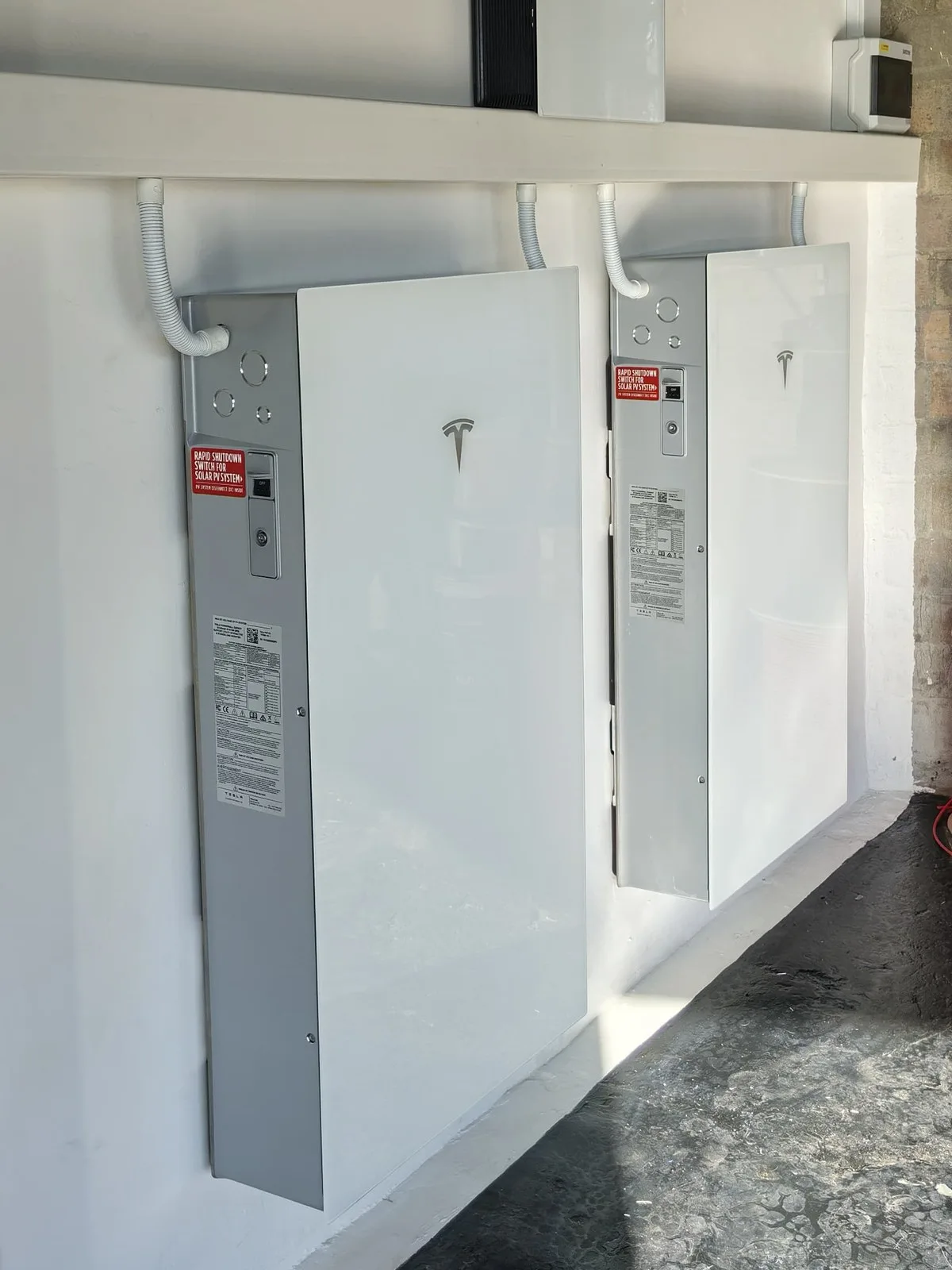
A Tesla Powerwall 3 does most of its work quietly in the background, but the Tesla app is where you see it and steer it. Once your system is commissioned, the app on your phone shows where your power is coming from, how full your battery is and how much you're drawing from the grid, and it lets you decide how much energy to keep aside for outages. Here's a plain guide to the settings that matter most for a Cape Town home.
What You See on the Home Screen
The first screen is a live energy flow view of your home. It shows, in real time, what your solar panels are producing, what your home is using, how much is flowing in or out of your Powerwall and what you're taking from (or sending to) the grid. If you also have a Tesla vehicle or Wall Connector, it appears in the picture too. It's the quickest way to understand your home's energy habits: you'll soon see when the kettle, pool pump or geyser kicks in.

Self-Powered Mode: The Everyday Setting
According to Tesla, Self-Powered is the default operating mode. During the day your solar powers the home first, any surplus charges the Powerwall, and in the evening the Powerwall runs your home on that stored solar instead of buying power from the grid. For most Cape Town households this is the setting that delivers the biggest day-to-day saving, and it's the one we usually leave you on after commissioning.
Backup Reserve: How Much to Keep for Outages
Backup Reserve is the share of your Powerwall's stored energy that's held back for a grid outage. Tesla's guidance is:
- The default Backup Reserve is 20%.
- You can set it anywhere between 0% and 80% with a slider (Settings, then Powerwall).
- Setting it to 100% stops Self-Powered mode from using the battery, which cuts your savings.
- Max Backup temporarily holds the battery at 100% for up to 72 hours, handy if you know an outage or maintenance shutdown is coming.
- If an outage starts while the battery is below 5%, the home loses power and the Powerwall waits to recharge from solar the next morning.
A lower reserve leaves more energy for daily savings; a higher reserve gives you more security. If load-shedding returns or you hear about planned work on your street, nudging the reserve up for a few days is a simple, sensible move. Your Tesla Backup Gateway switches your home over instantly when the grid drops, so the reserve is what keeps the lights on.
Time-Based Control: Working Around Tariffs
Time-Based Control (also called load shifting) lets the Powerwall charge and discharge at the times that save you the most money. It's useful if you're on a time-of-use tariff, where electricity costs more at certain times of day. Whether it helps you depends on your tariff and how you use power, so ask us to look at your bill before switching modes.
A Note on Storm Watch
Storm Watch charges the Powerwall to full when a severe-weather warning is issued for your area. Tesla's support page currently lists its automatic weather alerts for the US, UK, Italy, Thailand, Japan, Taiwan, Australia and New Zealand, so in South Africa the more practical tools today are a sensible Backup Reserve and Max Backup when you know an outage is coming.
Charging Your EV From the Sun
With a Tesla Wall Connector (11.5 kW single-phase or 22 kW three-phase), charging is scheduled in the same app, so you can time it to soak up your own solar rather than grid power. The Wall Connector and Powerwall 3 Expansion arrive in South Africa by year end; read more in our post on the Powerwall 3 Expansion and Wall Connector.
Support From MLT, Remotely
Because your system is online, we can offer remote support: if something looks off in the app, we can often check it without a site visit. And because the Powerwall 3 carries a 10-year warranty with swap-out cover, a faulty unit is replaced rather than repaired.
Get the Most From Your Powerwall
MLT Power is a Tesla Premium Installer and South Africa's first installer of Tesla's full range: Powerwall, Expansion and EV charger. We set up your app, walk you through these settings on handover and stay on hand afterwards. Have a look at our home solar and battery systems, or get a free quote by sending us your latest electricity bill. Prefer to talk? Call 087 943 2299.
Ready to go solar?
Send us your latest electricity bill and we'll design a system and fixed price for your home or business.